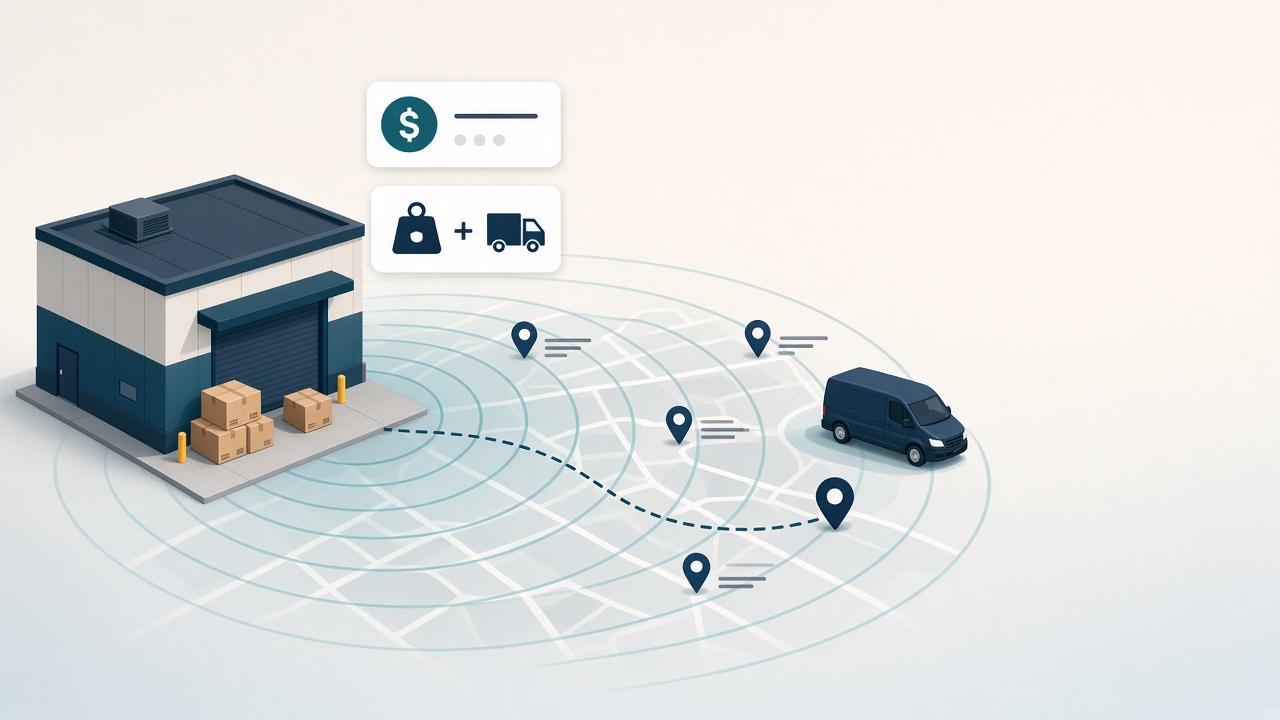
Storefront3000 now gives you clearer control over how shipping is priced at checkout — and where you are willing to deliver.
You can keep simple flat (fixed) rates, or connect a courier and show live computed rates based on package weight and the distance from your warehouse address to the customer’s shipping address. Separately, you can turn on an optional service area so local stores are not flooded with paid orders they cannot fulfill.
Highlights
- Flat rates — keep your existing fixed shipping options (and country/province rules) when you want predictable fees
- Live courier quotes — connect Canada Post, UPS, FedEx, Purolator or USPS and turn on Offer live carrier rates at checkout. Shoppers then pick a service and price from a Shipping Method list, worked out from the cart's weight, your warehouse address and their shipping address. If the carrier returns no rate, your flat rate applies.
- Primary carrier — mark one shipping service as Primary under Integrations so rate lookups know which courier to use
- Service area (opt-in) — limit storefront checkout to a radius in kilometres from your warehouse and/or a list of cities (either match counts as in-area)
- Out-of-area soft-stop — shoppers outside your area cannot complete paid checkout; they can leave a request instead, and you get an email plus an admin record to follow up. Staff can still place out-of-area orders from admin when needed
How to set it up
- Open Settings → Configure Applications → Storefront3000 → Courier Shipping.
- Confirm your warehouse address (used as the origin for live rates and as the centre for a radius-based service area).
- For live rates: connect the courier under Integrations, set it as Primary, then return to Courier Shipping and tick Offer live carrier rates at checkout.
- For fixed fees: keep or edit your shipping options as you do today.
- Optional: enable Service area, set a radius (km) and/or city list. Leave it off if you ship broadly.